Black Friday: 35% off every plan, and lifetime seats from $99See the deals

A safe harbor
for your files.

10 GB of private storage, end-to-end encrypted if you want it — free, for good.

Paid plans from, per month
$2.49
Free for every account, for good
10 GB
Every plan, until Black Friday, 27 November
35% off

01 — Product

01

Drive

Every file in one place, with search, previews, version history and optional end-to-end encryption.

Learn more
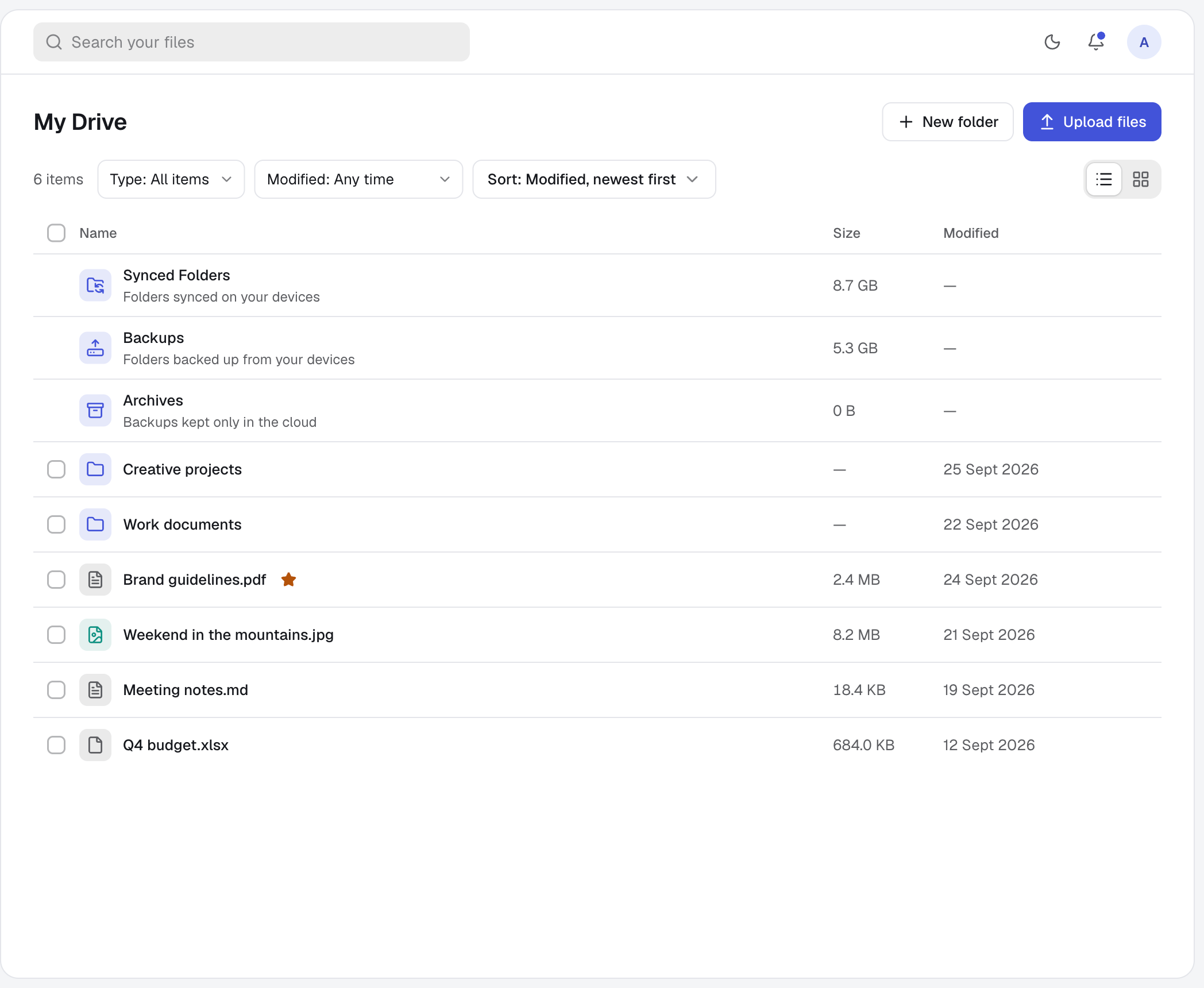
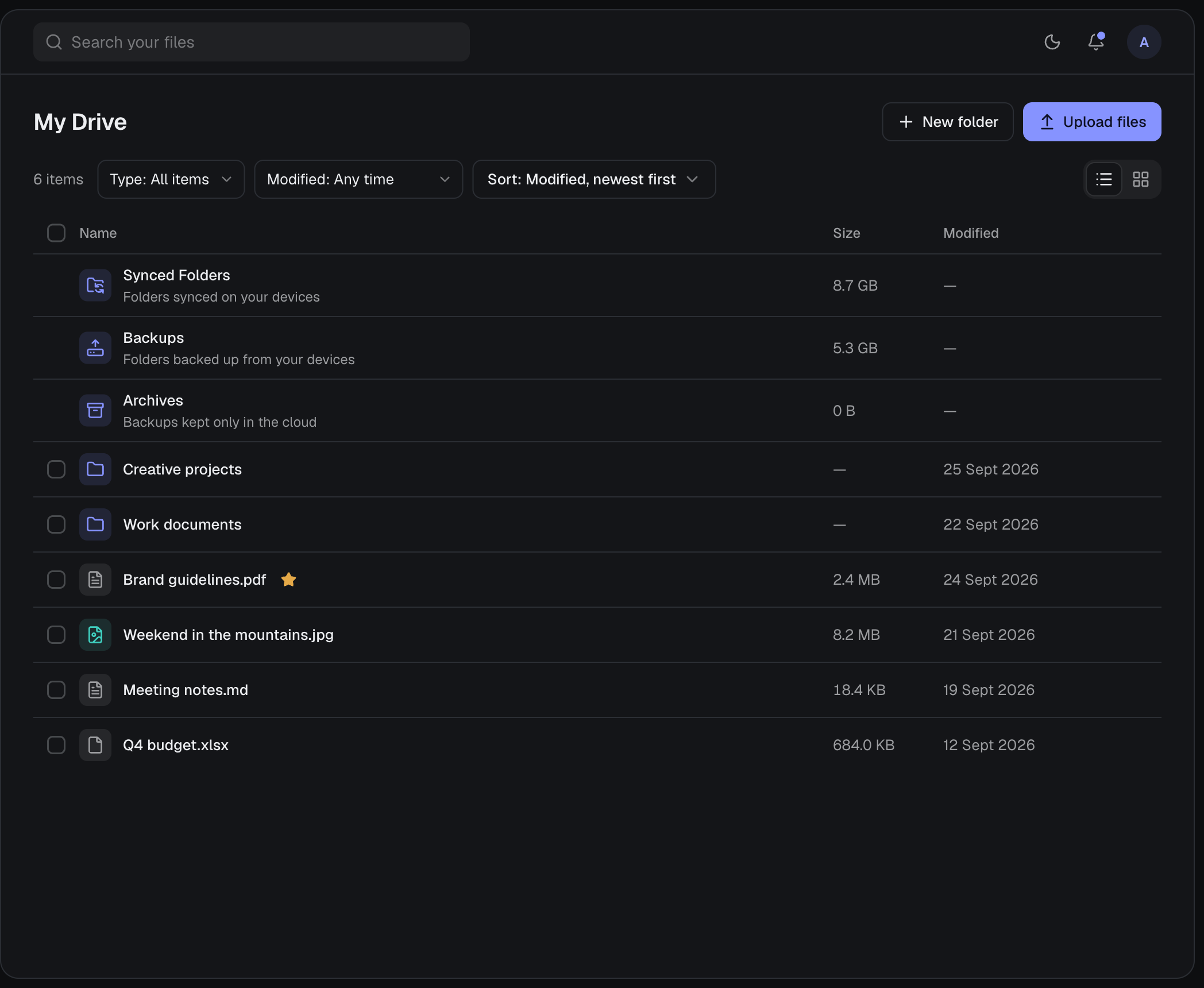
My Drive, listing folders and files
SearchFind any file from anywhere with ⌘K.
End-to-endOptional encryption only you can unlock.
02

Sync

Pick a folder once and it stays in step on all your computers, and with the people you share it with.

Learn more
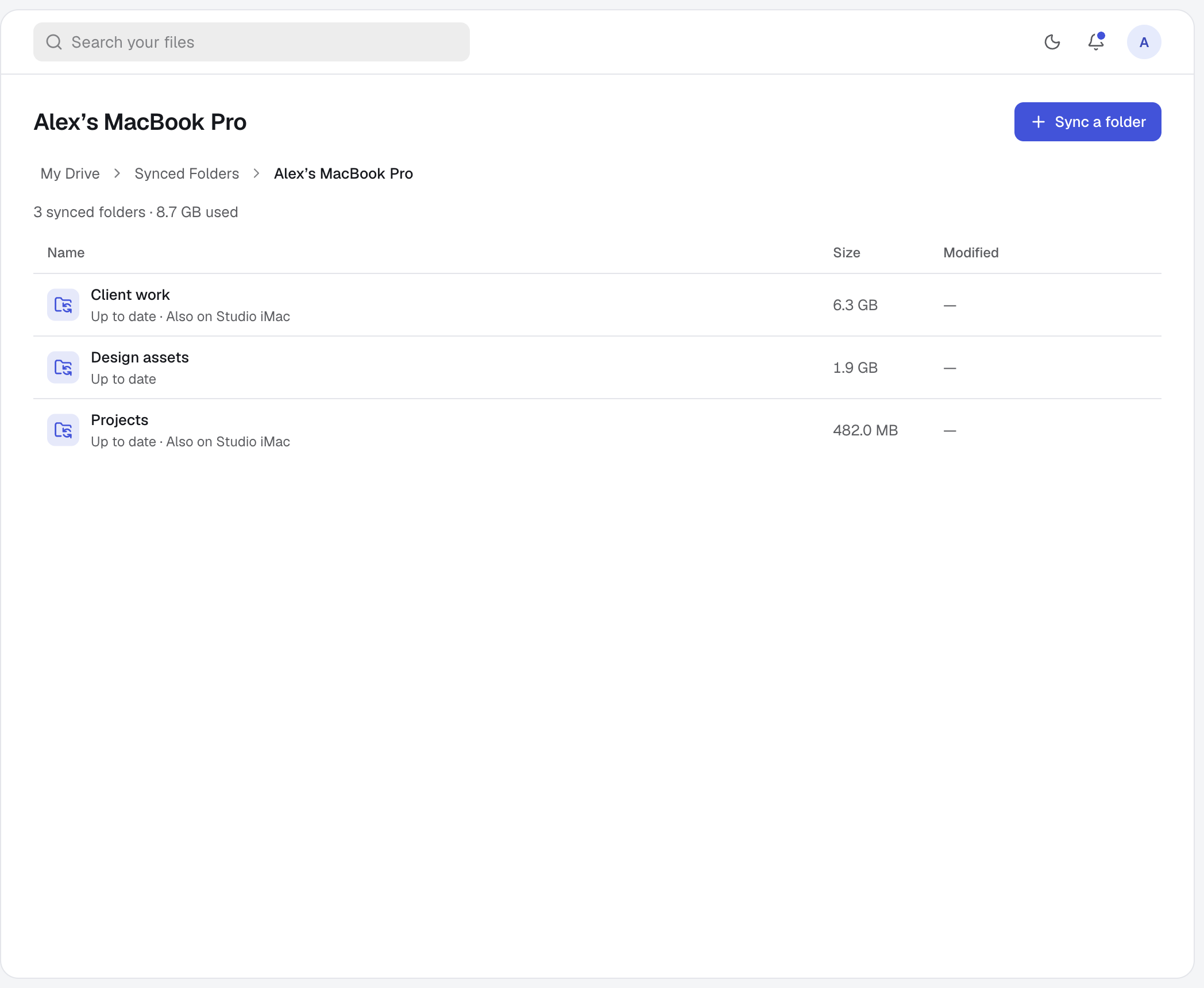
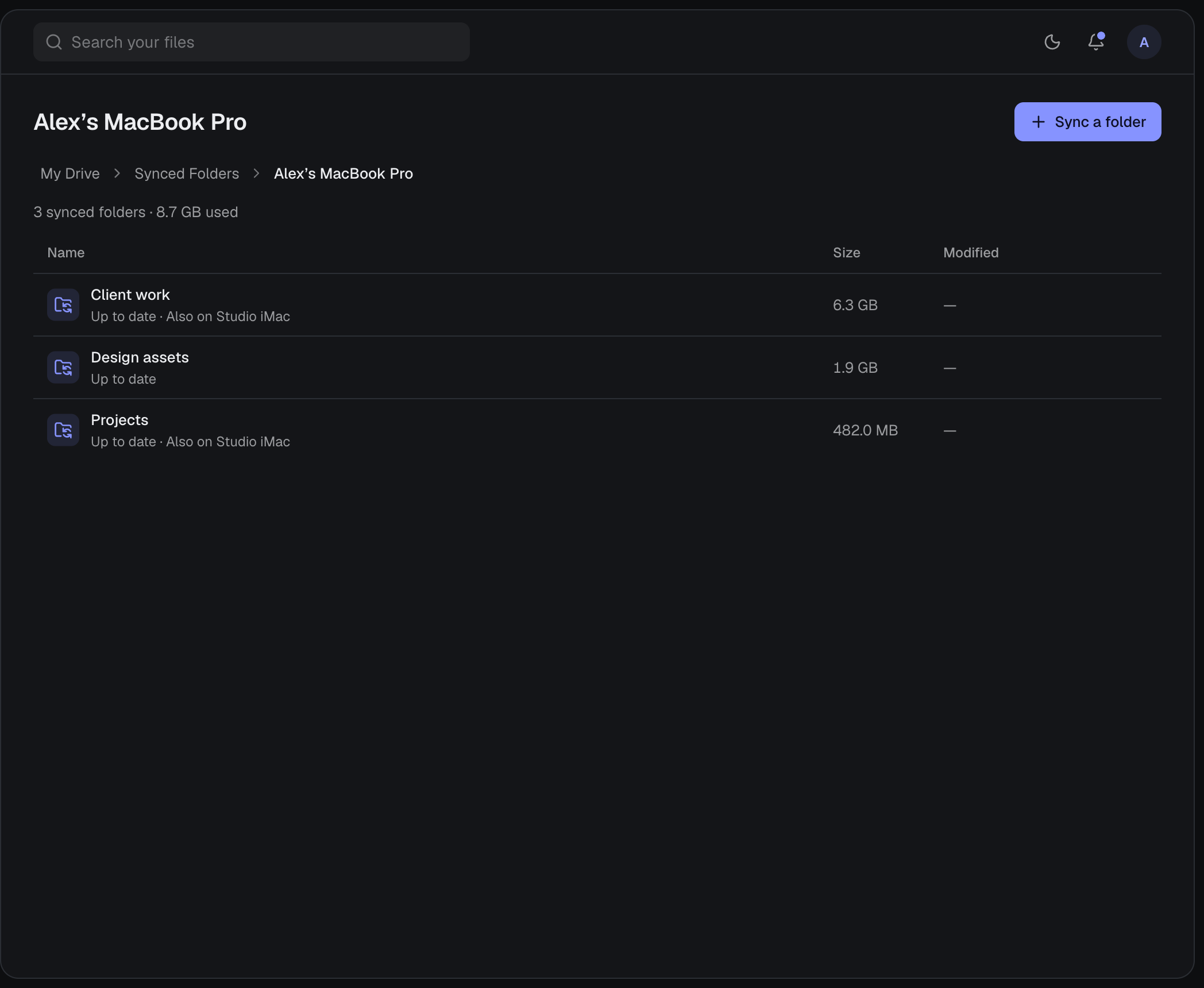
My Drive › Synced Folders, listing the folders one computer syncs and where else each is synced
Up to dateNothing to press. Changes go out as you save.
Shared foldersSync one folder between accounts.
03

Backups

Pick a folder once and every version is saved on its own, from all your computers. Restore any of them later.

Learn more
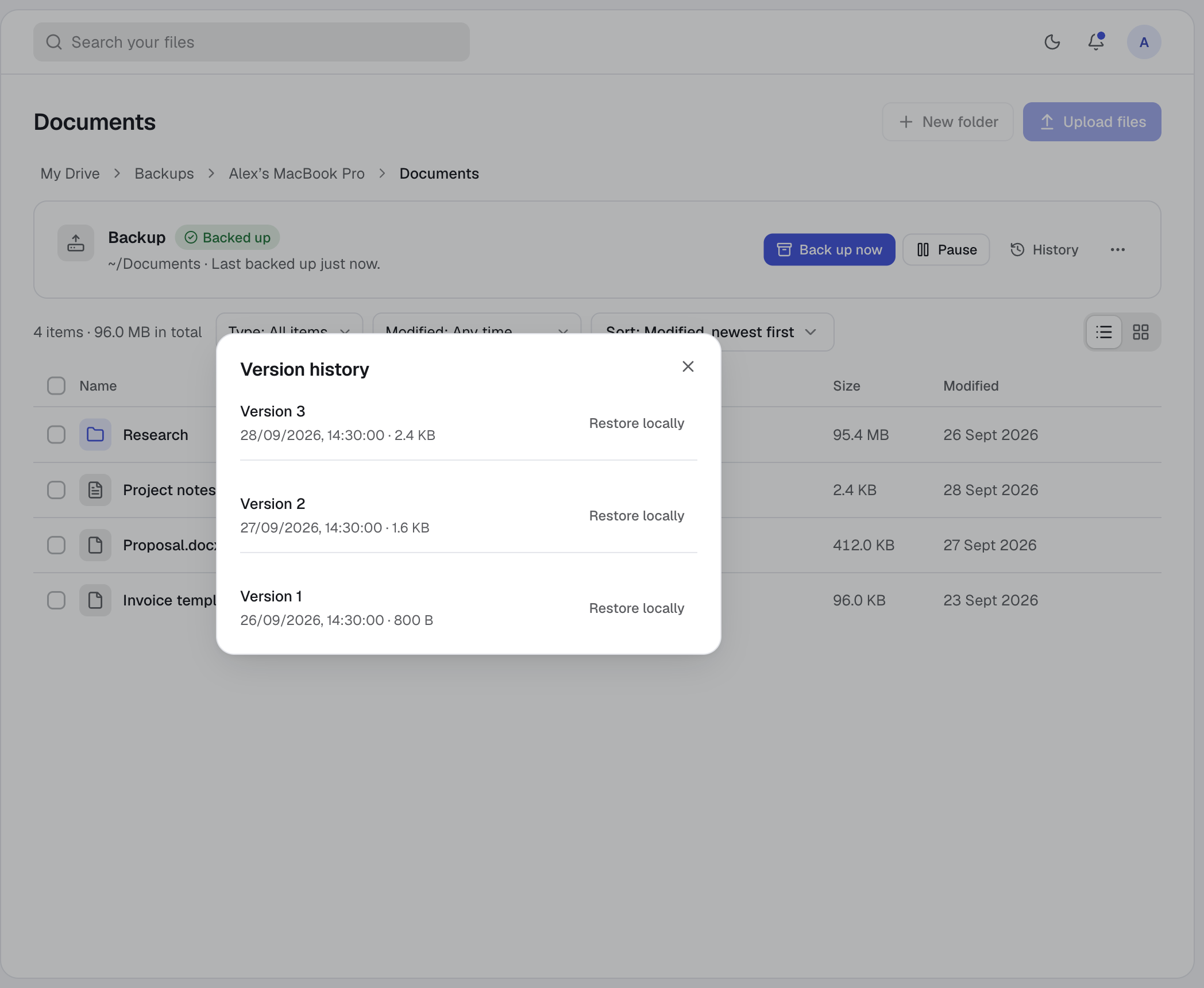
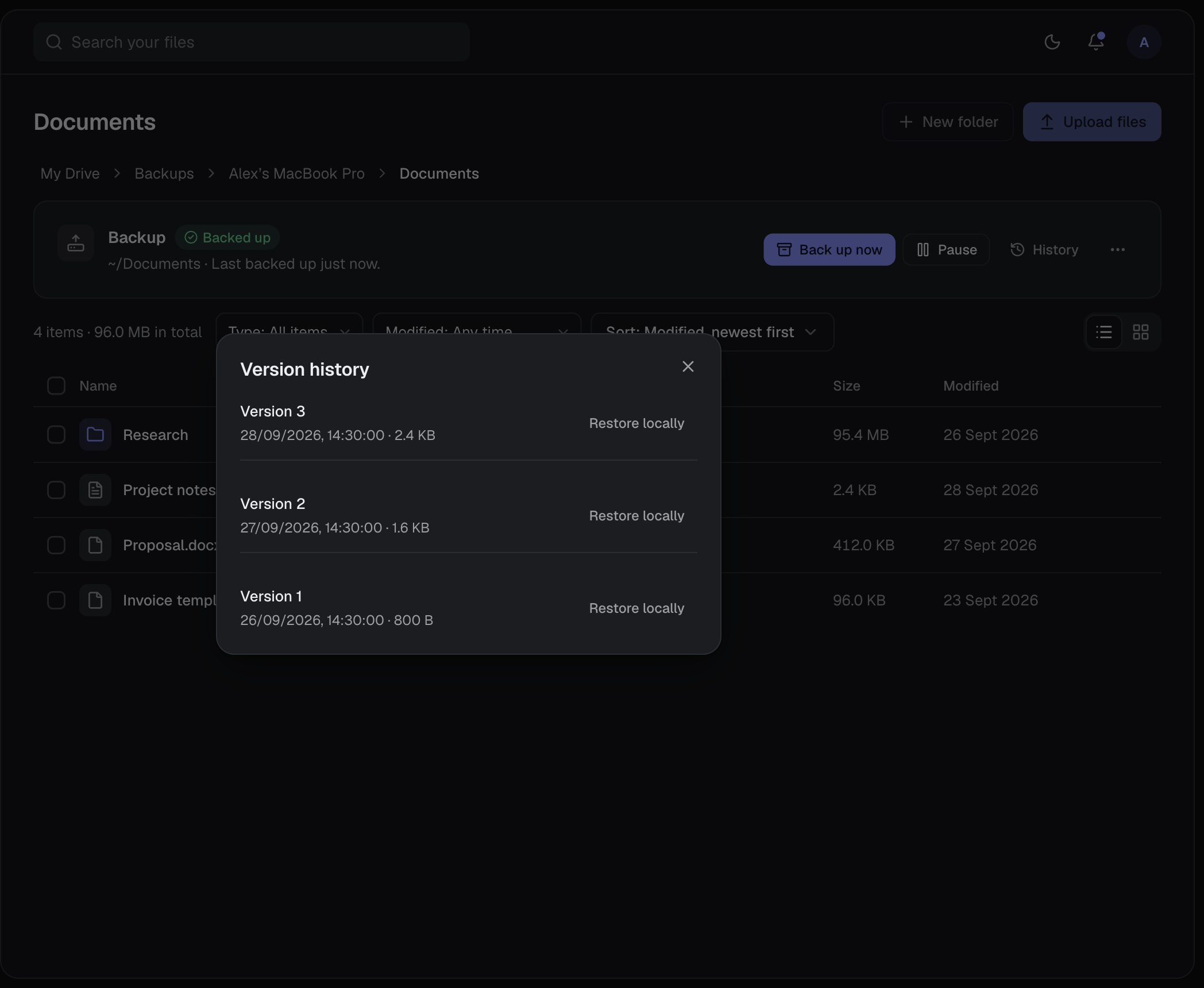
A backed-up folder in My Drive with its backup status and the saved versions of one file
AutomaticNothing to press. Versions save themselves.
RestoreBring back any saved version.
04

Share

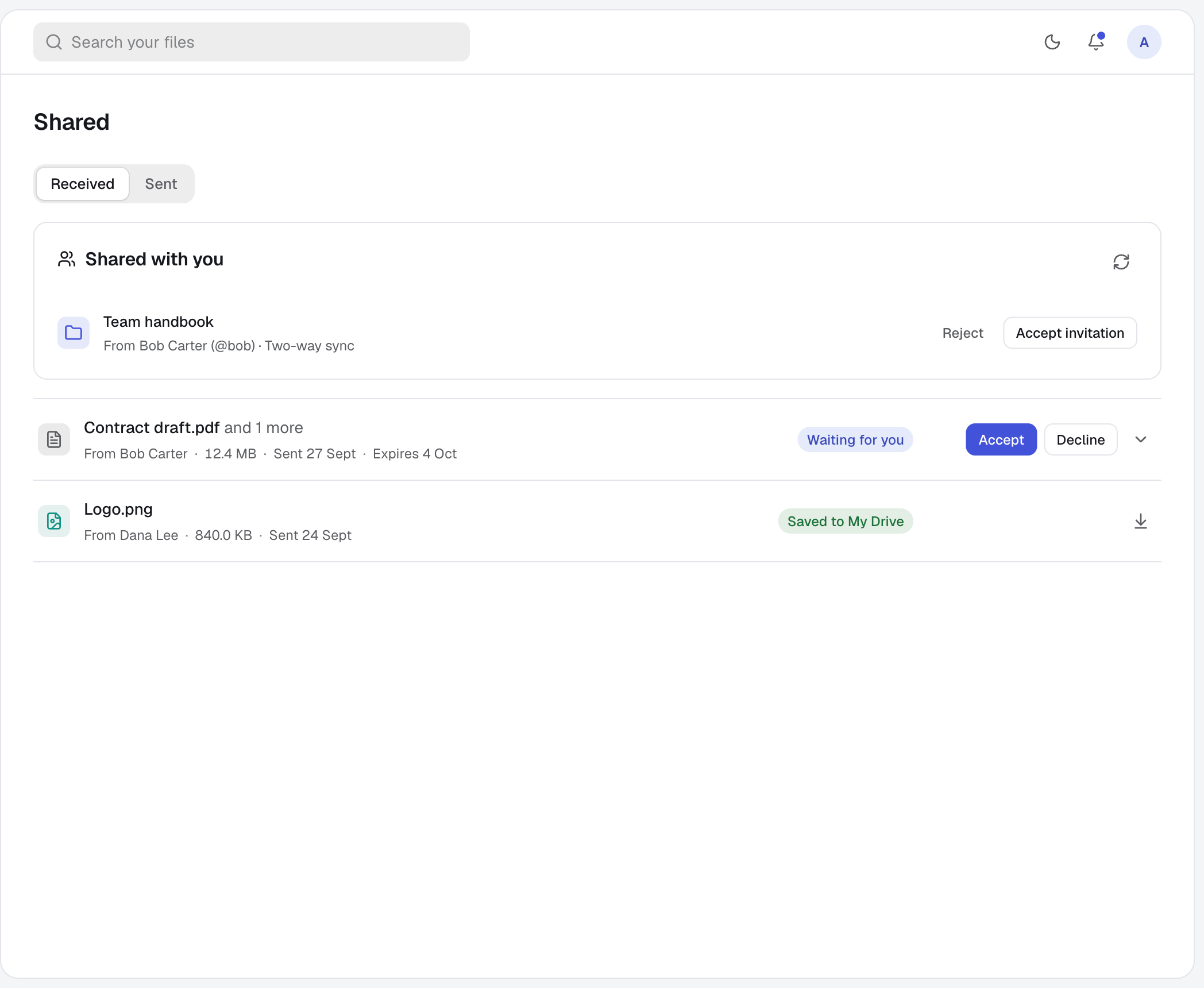
Send files to people by username or email, or sync a shared folder both ways.

Learn more
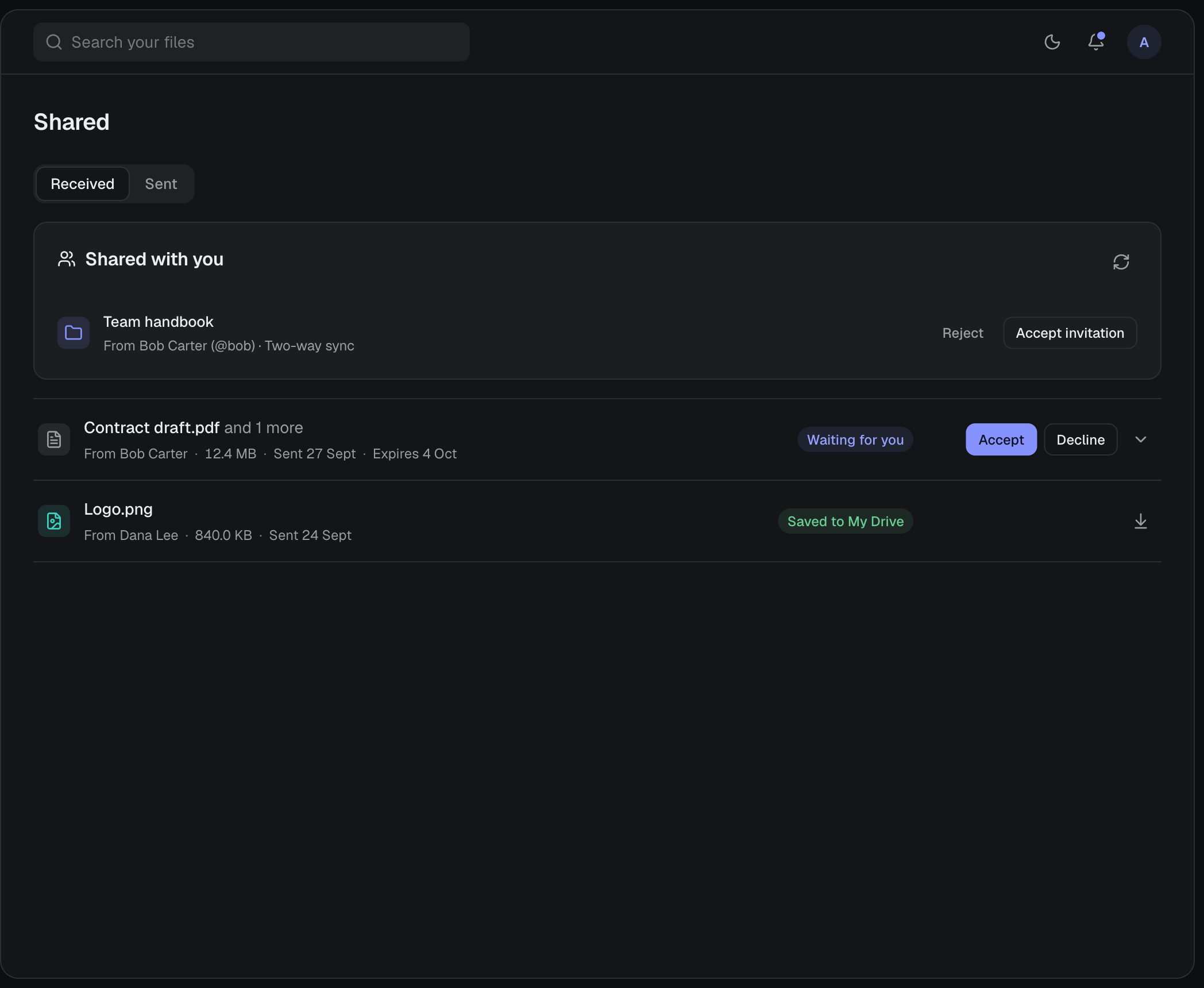
The Shared page with a folder invitation and received files
Two-way syncShared folders update for everyone.
PrivateTransfers open only for the person you chose.

02 — Also on board

01
End-to-end encryption
Your devices encrypt files and names before upload, so harbor0 can’t read them.
02
Local WebDAV
Open My Drive in Finder, File Explorer or any WebDAV app without syncing it.
03
Public links
Share a file or folder with anyone, no account needed. Links can have an expiry date and a password, and work with end-to-end encryption.
04
Backups
Pick a folder; new versions are saved as you work.
05
Version history
Go back to any earlier copy of a file.
06
Trash
Deleted files wait until you restore or remove them.
07
Previews
View files in place, or download a folder as a ZIP.
08
Devices
No limit. See every session and sign any of them out.
09
Themes
Light, dark, and colour presets.

03 — Black Friday

35%off every plan

Black Friday deals, until 27 November.

35% off every plan
200 GB, 500 GB, 2 TB and 5 TB: the first year of an annual plan, or the first 3 months of a monthly one. Plans renew at their normal price after that.
50 lifetime seats
Pay once for 1 to 5 TB — $99 for the first terabyte, $50 for each one after it. Sold until Black Friday, 27 November or until they run out.
See the deals

04 — Questions

Is harbor0 out of beta?

Yes. harbor0 launched on Saturday 31 October 2026. Paid plans are open, and new accounts get 10 GB free.

Can I sign up now?

Yes. Create an account and you get 10 GB free.

Do I need to pay or add a card?

No. The free storage stays free. You only pay if you choose a plan for more space.

What if I need more?

Choose a plan: 200 GB, 500 GB, 2 TB or 5 TB.

Who can see my files?

Only you, unless you share them with someone or make a public link. With end-to-end encryption on, the key stays in the link, so harbor0 still can’t read what you share.

Are my files end-to-end encrypted?

If you turn it on. With end-to-end encryption, your devices encrypt files and file names with a passphrase only you know, and harbor0 can’t read them. Without it, files are encrypted on our servers, which keeps sending and shared folders available.

Can I open my files in Finder or File Explorer?

Yes. The desktop app runs a WebDAV server on your computer that shows My Drive as a drive, without syncing it. Files download when you open them.

Where does it run?

In your browser. Sync, automatic backups and the local WebDAV drive run through the desktop app.